Loading…
By a former Jotform engineer · 5 yrs inside
Jotform automation kits, by industry.Installed in your own account.
Donation flows, patient intake, lead capture, scheduling, member signups, with more landing all the time. Each kit is shaped for one specific operation. Want it tailored to your brand? Done-for-you customization available.

Built by Buri · Rome
Ex-Jotform engineer · Product team lead, 2020–2025
Five years inside the codebase. Now publishing the workflows I would have built for you.
HIPAA-aware for healthcare practices. Enterprise rollouts with SSO, custom DPAs, and multi-team setups.
Built on wired to
 Zapier
wired toZapierJotform Partner Discount
Save on your Jotform plan with my partner code.
Same Jotform, lower bill. The discount is built into the checkout when you click through.
Looking at Jotform Enterprise (SSO, custom DPAs, multi-team)? Pricing-page leads route to Jotform sales, not me. Skip it and book a quick scoping call.
Enterprise trackProof
Read what clients wrote on Upwork.
UpworkTop Rated
5.0/ 5.0
- Jobs
- 31
- Hours
- 318
- Earned
- $20K+
100% Job Success Score
“Buri demonstrated exceptional technical expertise, professionalism, and attention to detail. He offered thoughtful suggestions, identified potential challenges before they became issues, and provided creative, effective solutions that kept the project on track.”
Client review, Upwork
Jotform + Zapier + QuickBooks integration
“Exceptionally helpful, patient and communicative throughout the whole process.”
“Listened to our project needs and provided valuable solutions and timely communication.”
Want this kind of result for your project?
Free 20-minute call. I'll tell you straight whether a kit fits.
What your team gets back
Hours back, errors gone.
- Hours saved
- 8-12
- Labor freed
- ~$15K
- Build time
- 3 months → 3 days
- Hours saved
- 24/7
Manual data entry and copy-paste, gone per workflow
Labor freed per workflow (10 hrs/wk × $30/hr × 50 wks)
What a team of one builds with a kit vs. from scratch
Forms collect, route, and confirm without anyone at a laptop
Based on typical client submissions of 50-100/week. Your numbers depend on volume, existing tooling, and how much is still manual. The math is transparent: if you know your per-submission handling time, you can calculate your own number before we talk.
What's in the workshop
Browse the catalog by industry.


events
Camp Registration System
Camp registration: signup, payment, waivers, waitlists, check-in. One Jotform.

$89baseSee kit


nonprofit
Donation & Receipt Workflow
Donation pipeline: gift, receipt, record, tax letter.

$79baseSee kit
nonprofit
Volunteer Signup App & Shift Management Kit
Volunteer signup app with shift scheduling, booking reminders, waivers, and coordinator alerts. One Jotform.

$89baseSee kit
wellness
Class Booking System
Class booking, waiver, payment, SMS reminder, real-time roster. One Jotform.

$89baseSee kit


sales
Lead Capture → CRM Kit
Lead capture with scoring, dedup, CRM sync, and Slack alerts on the ones worth interrupting for.
$59baseSee kit
sales
B2B Quote Automation & RFP Intake Kit
Quote requests that qualify themselves: conditional scope capture that routes to the right rep

$99baseSee kit

sales
Discovery Call Booking Kit: Pre-Qualified, Routed, and Booked in One Form
Discovery Call Booking Kit: pre-qualify by budget, timeline, and role, then route into a calendar without paying Calendly Teams
$129baseSee kit

wellness
Appointment Kit: Booking, Payment, and Reminders in One Form
Appointment Kit: booking, payment, and reminders in one form, no Calendly subscription, no sync headaches

$129baseSee kit
wellness
Salon Booking Kit: Multi-Location, Stylist Routing, Deposits, and Auto-Rebooking
Salon Booking Kit: location picker, stylist routing, deposits, and 30-day rebooking emails in one Jotform setup
$129baseSee kit
healthcare
Medical Appointment Booking Kit: HIPAA, Booking, Payment, and Reminders in One Form
Medical Appointment Booking Kit: HIPAA-compliant booking, payment, and reminders in one form, no Calendly subscription, no PHI leaking through Zapier
$229baseSee kit

healthcare
HIPAA Patient Intake Kit
Patient intake that moves: HIPAA-aware, insurance-ready, EHR-compatible
$149baseSee kit


healthcare
HIPAA Therapy Intake Kit
Therapy intake that respects the work: HIPAA-clean, sliding-scale-ready, telehealth-aware
$199baseSee kit
healthcare
HIPAA Telehealth Pre-Visit Kit
Telehealth pre-visit that prevents the no-show: HIPAA-clean, identity-verified, tech-tested
$129baseSee kit
healthcare
HIPAA Insurance Verification Kit
Insurance verification that does not leak PHI: HIPAA-clean capture, billing-ready handoff
$149baseSee kit
healthcare
HIPAA Wellness & PHI Consent Kit
Wellness intake that takes HIPAA seriously: chiro, massage, PT, with consent and photo release done right
$149baseSee kit
hr
Job Application Pipeline Kit
Knockout screening, resume routing, candidate tracking. ATS-free for under 10 hires a year.

$99baseSee kit

agency
Client Onboarding Kit
The onboarding flow every agency wishes they had before their first client was late with assets
$119baseSee kit

product
Product Waitlist & Launch Kit
Waitlist with referral tracking, drip emails, and launch-day handoff.
$59baseSee kit
customer success
NPS & Customer Feedback Routing Kit
NPS that actually does something: detractors escalate, promoters refer, and leadership gets the monthly read

$59baseSee kit
real estate
Property Showing Request Kit
Showing requests that route to the right agent: property picker, zip-coded assignment, and auto-scheduling

$119baseSee kit
membership
Membership Signup & Retention Kit
Recurring membership on Jotform: tier selection, Stripe billing, welcome drip, and dunning baked in

$139baseSee kit
Start here
The kits people actually use.
Each kit is a full workflow, not a blank form. Conditional logic, integrations, payment routing, confirmation emails. Installed in your own Jotform account.
Nonprofit
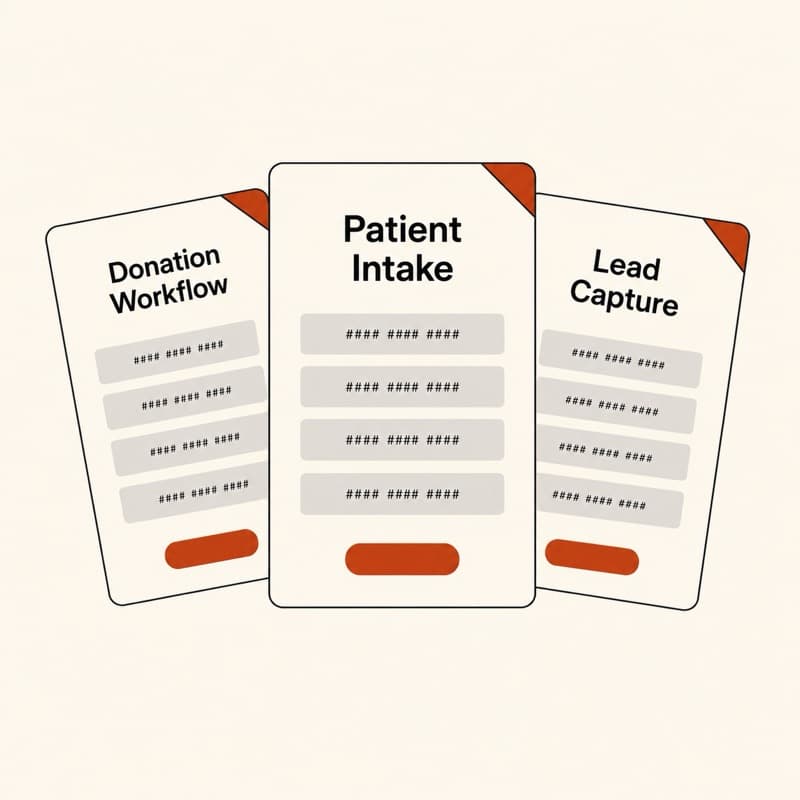
View kitDonation Workflow
Recurring and one-time donations with Stripe, automatic receipts, and donor tracking.
Healthcare
View kitPatient Intake
HIPAA-aware intake with conditional branching, e-signature, and PHI-safe field routing.
Sales
View kitLead Capture
Conditional routing by source, auto-response, and CRM-ready field mapping.
Events
View kitCamp Registration
Multi-session selection, payment collection, and parent info all in one flow.
Wellness
View kitAppointment Kit
Booking, payment, intake, and SMS reminders in one Jotform. Replaces Calendly plus Stripe plus a separate intake tool.
Membership
View kitMembership Signup
Tier selection, recurring billing, member portal access, and onboarding email.
Want a different workflow? Browse all kits
Works with what you already use
Jotform wires into the stack you run.
Payments. CRMs. Storage. Email. Chat. Connected natively, no middleware tax.
Platform
wires to


+ 130 more via native Jotform integrations and Zapier/Make.
Jotform at enterprise scaleIf you're shopping Jotform Enterprise,
If you're shopping Jotform Enterprise,
start on a call. Not a pricing page.
Enterprise rollouts get scoped, not self-served. SSO, custom DPAs, audit logs, multi-team setup. I've configured all of it from the engineer side at Jotform, and now I run the same playbook for orgs adopting it. Pricing-page leads route to Jotform sales directly. Booking a call here scopes the work first, then loops in the right people on their side.
- SSO + SAMLIdentity provider mapped to Jotform groups, role-based form access.
- Custom DPAs + BAAsCoordinated with Jotform's legal team for procurement-grade contracts.
- Multi-team rolloutsFolder structure, ownership, and approvals that hold across teams.
- Integrations under loadCRM, payments, and webhooks wired for the volume you actually have.
How it works
Three steps. No surprises.
 01
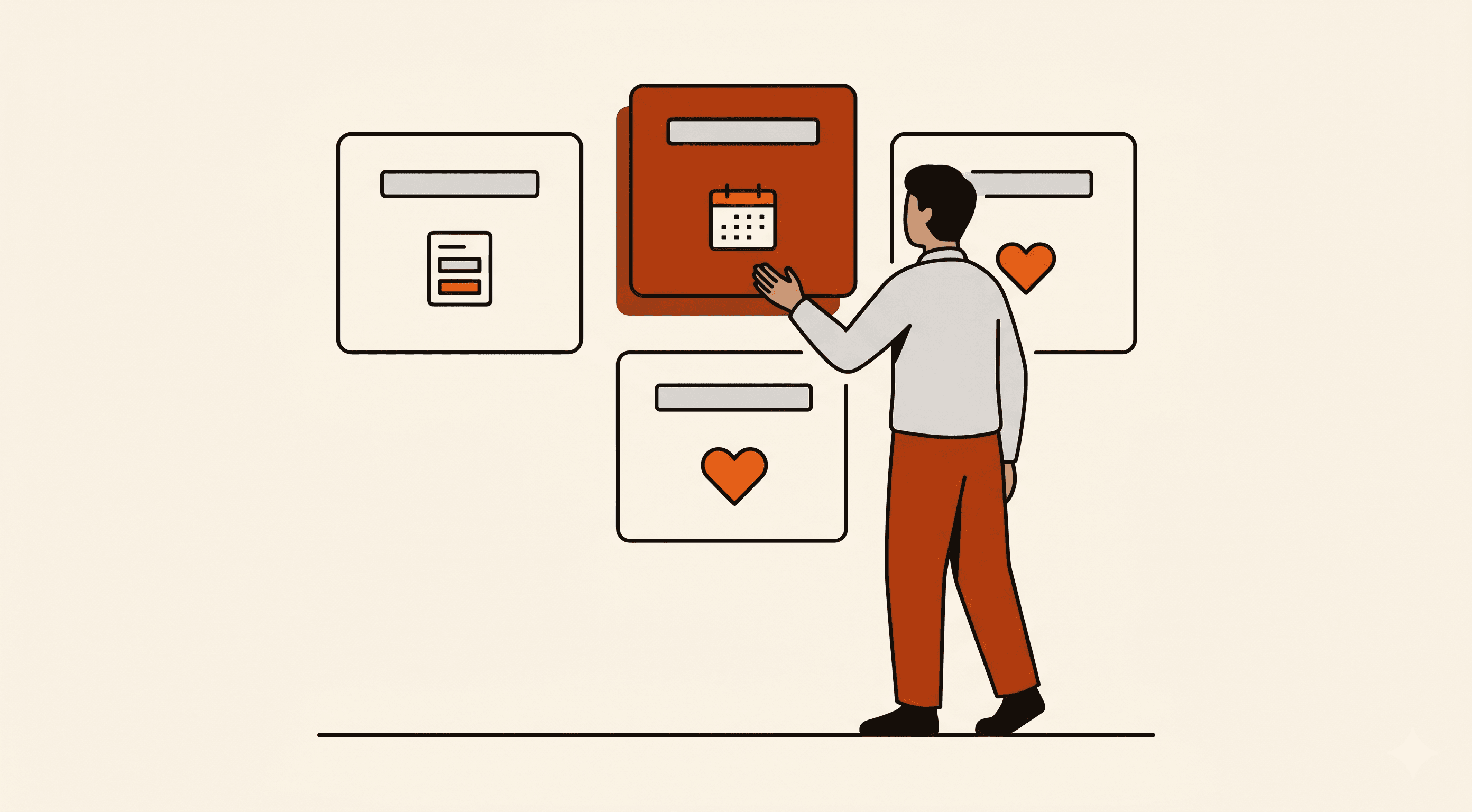
01Pick a kit, or tell me what you need
Start with a ready-made kit, or book a call and I'll tell you whether one fits.
 02
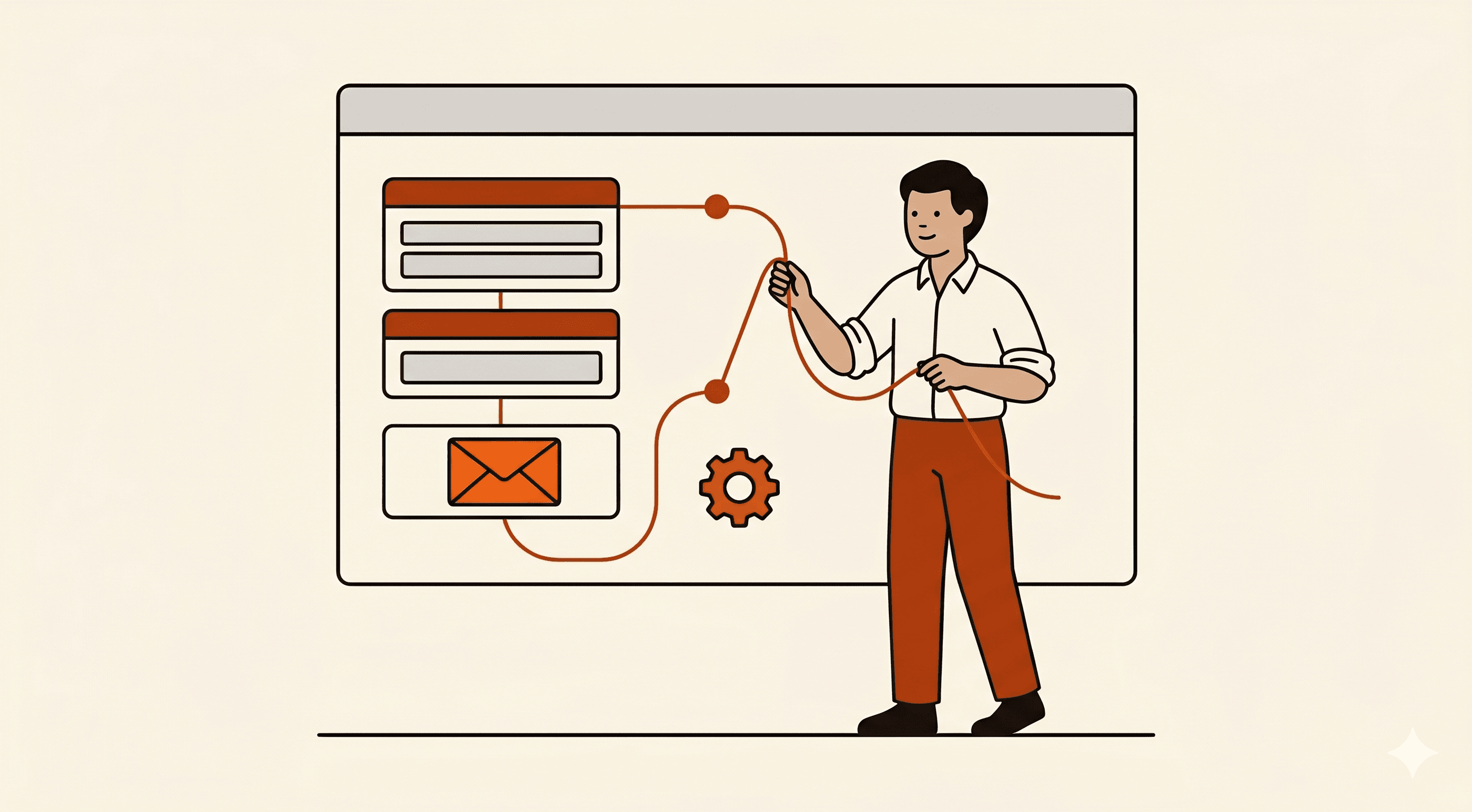
02I install and customize it for your team
Set up inside your own Jotform account, shaped around the way your team works.
 03
03You own it forever, no lock-in
No monthly fees, no platform to log into. If we part ways tomorrow, everything keeps running.
Common questions
What people ask before they hire a Jotform expert.
What does a Jotform expert actually do?
A Jotform expert designs and implements automation workflows on top of Jotform: conditional logic, webhooks, integrations, payment flows, and custom calculations. The job is less about building forms and more about making the form layer a reliable part of a team's infrastructure: lead capture that writes to your CRM correctly, registration that reconciles with your accounting, intake that branches to the right questions for each case. I'm a former Jotform engineer and product team lead (2020-2025), so I know the platform from the inside.
How is this different from hiring a Jotform consultant on Upwork?
Most Jotform consultants on freelance marketplaces are generalists who learned the platform from docs. I spent five years building the features you're configuring, which means I know which edge cases are real, which integrations actually hold up under load, and which 'best practices' are just copied from blog posts. My Upwork profile has a 5.0 rating and Top Rated status, but the real difference is I know what's fixable inside Jotform and what needs to live somewhere else.
Can you help me master Jotform, or do you just build for me?
Both. The automation kits here are installed in your own Jotform account, so you can see every form, every workflow, every integration and learn from the setup. I also do implementation calls where I walk you through how it works, or full done-for-you builds where you don't have to touch it. If you want to become a Jotform master yourself, the kits are the fastest way: you inherit a working system and can study how it's wired.
What are common Jotform automations you build?
The most common Jotform automations are: lead capture with CRM sync (HubSpot, Salesforce), registration workflows with Stripe or PayPal payment and confirmation emails, patient or client intake with conditional branching, recurring donation or membership billing, NPS and feedback collection with routing by score, job application intake with screening workflows, and appointment booking with reminder sequences. The /solutions section of this site has kits for each pattern.
How much does a Jotform expert cost?
It depends on scope. The automation kits on this site have three tiers: self-install, setup-with-me, and done-for-you, with the exact price on each kit page. Custom builds are scoped on a call. I offer a free 20-minute call before any paid work, so you can see if a kit fits or get a straight quote for something custom.
What Jotform solutions do you not recommend?
Jotform is excellent for forms, workflows, intake, and integrations. It's not the right tool for: building a full SaaS product UI, replacing a proper CRM, or running a multi-tenant application. If I take a call and think you'd be better served by Retool, Airtable, or a custom build, I'll tell you. And I won't charge for the call.
Do you handle Jotform Enterprise rollouts?
Yes. SSO/SAML, custom DPAs, BAAs at scale, audit logging, multi-team setup, and integration architecture under enterprise load. Five years inside Jotform means I know the platform's seams from the engineer side, not just the docs. Enterprise plans don't get sold off a public price sheet: . Email me and I'll scope what your org actually needs, then loop in the right people on the Jotform side. The /enterprise page has the full breakdown.
Free checklist
HIPAA compliance checklist for Jotform.
12-item pre-launch checklist covering BAAs, PHI in notifications, integration safety, and access review. Delivered as a printable PDF, plus new kits and notes when I publish them.
Or book a free 20-min call if you'd rather talk now.