Jotform Flodesk integration
Jotform to Flodesk: a form submission creates or updates a subscriber, adds them to a segment, or starts a workflow.


Jotform connects to Flodesk through Zapier, not through a native integration. Jotform's page lists three things a submission can do: create or update a subscriber, add an existing subscriber to a segment, and add a subscriber to a workflow.
It fits when the form does more than a Flodesk form can, such as conditional questions, payments or file uploads, and the email list still lives in Flodesk.
Because Zapier sits in the middle, there are three accounts to keep working: Jotform, Zapier and Flodesk.
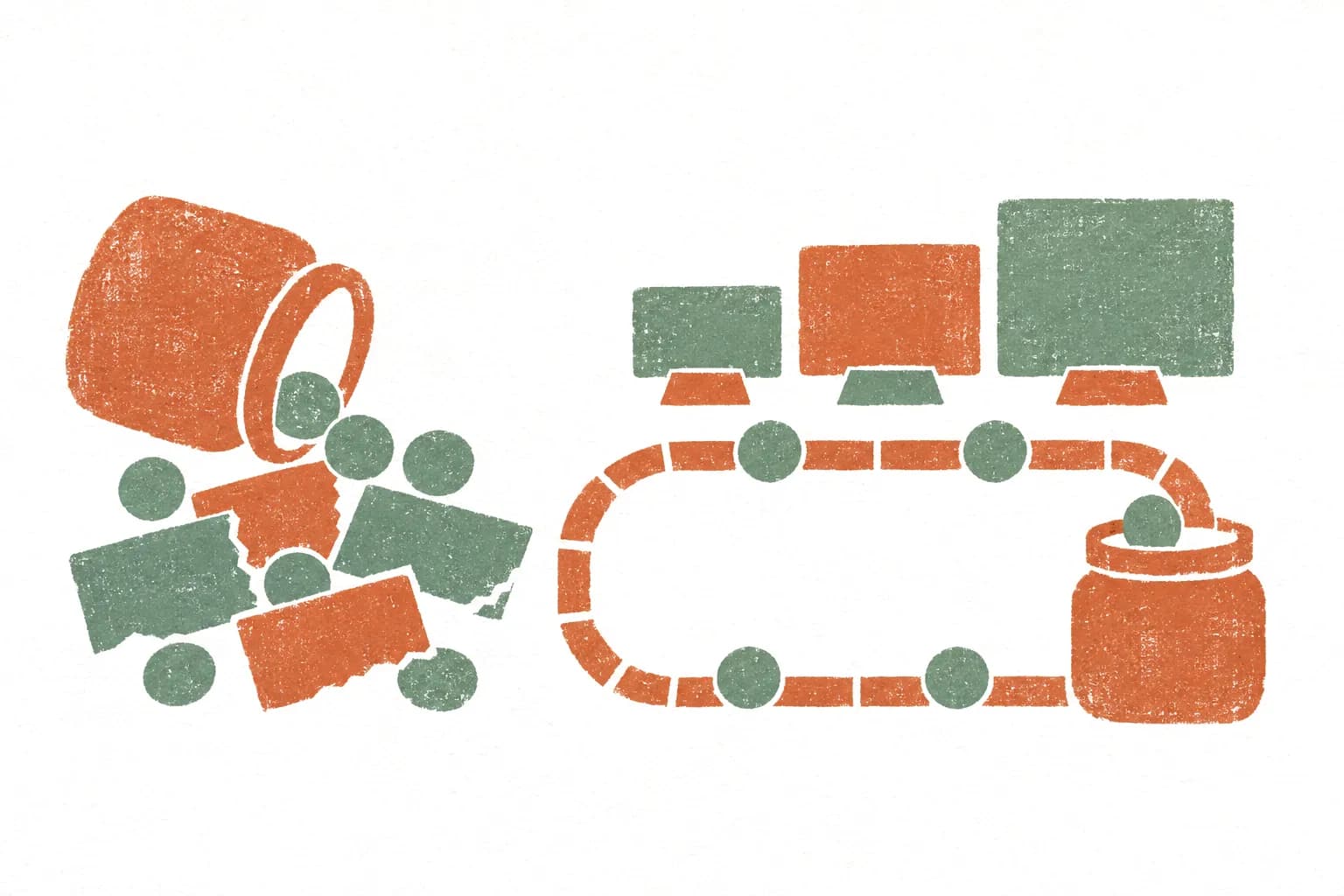
How Jotform and Flodesk connect.
- 01
Find it in the Form Builder
Open Settings, then Integrations, and search for Flodesk. The connection runs through Zapier, so a Zapier account is needed as well as the Flodesk account.
- 02
Connect both accounts
Sign in to Zapier when asked, then authorise Jotform and Flodesk inside the Zap.
- 03
Pick the action and map fields
Choose create or update subscriber, add to segment, or add to workflow. Map the email field first, then name and any custom fields.
- 04
Test, then turn it on
Send a real test submission, confirm the record in Flodesk, and only then switch the Zap on.
What Jotform plus Flodesk is actually good at.
- 01
Newsletter sign-up inside a longer form
A booking or enquiry form with an opt-in checkbox adds the person to Flodesk as a subscriber.
- 02
Segment by answer
An answer such as service type or interest decides which segment the subscriber joins.
- 03
Welcome sequence after a purchase or booking
A submission adds the subscriber to a Flodesk workflow so the follow-up emails start on their own.
Edge cases that bite in production.
Consent
Add an explicit opt-in checkbox and filter the Zap so only people who ticked it are sent to Flodesk.
Segment and workflow need a subscriber
Two of the listed actions work on a subscriber. Put the create or update step first so the later step has someone to act on.
Zapier is a separate plan
Zap runs count against the Zapier plan, apart from the Jotform plan. Check Zapier's pricing for the expected volume.
Hit one of these edge cases?
A free 20-minute call to look at what the form sends to Flodesk and the simplest way to make it hold, or send the details first.
No form needed: just email hi@workflowautomationkits.com your form URL
“Buri demonstrated exceptional technical expertise, professionalism, and attention to detail. He offered thoughtful suggestions, identified potential challenges before they became issues, and provided creative, effective solutions that kept the project on track.”
When Jotform plus Flodesk isn't the right call.
If the form is a plain email sign-up, Flodesk's own form does it with nothing to maintain. If the list lives in Mailchimp or Kit, use those integrations. Avoid a Zapier chain for health information.
Automation kits built on Flodesk.
Membership Signup & Retention Kit
Recurring membership on Jotform: tier selection, Stripe billing, welcome drip, and dunning baked in

Lead Capture → CRM Kit
Lead capture with scoring, dedup, CRM sync, and Slack alerts on the ones worth interrupting for.

Client Onboarding Kit
The onboarding flow every agency wishes they had before their first client was late with assets
Questions asked before setting this up.
Does Jotform have a native Flodesk integration?
No. Jotform's Flodesk page connects the two through Zapier.
What can a Jotform submission do in Flodesk?
Jotform lists three actions: create or update a subscriber, add an existing subscriber to a segment, and add a subscriber to a workflow.
Is a paid Zapier plan needed?
That depends on volume and on how many steps the Zap has. Zapier's pricing page has the current limits.
Want this wired up without the reading?
Free 20-minute call to pick the workflow that fits the Flodesk setup and scope what it would take to build. Sending the details first works too.
No form needed: just email hi@workflowautomationkits.com your form URL
Bring the work your team still does by hand.
One 20-minute call: how it runs today, what an agent or automation would change, and whether it is worth building.