Jotform ClickSend integration
Jotform to ClickSend: a text to the person who filled in the form, a text to a team list, or a new ClickSend contact, with numbers in the format ClickSend accepts.

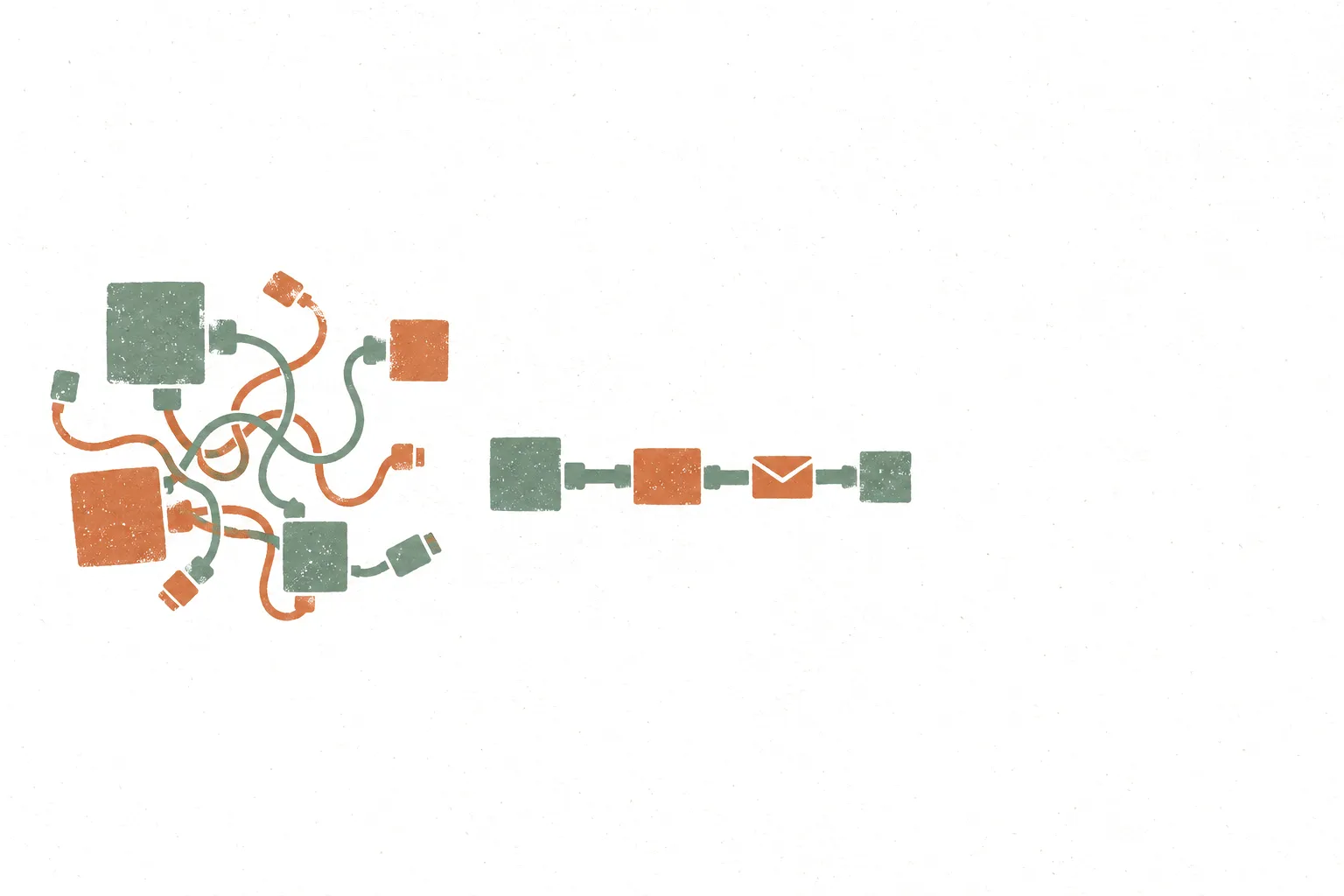
Jotform's ClickSend integration lists three workflows: send an SMS for each new submission, send an SMS to a ClickSend contact list, and create a ClickSend contact from a submission. Jotform's page links it through Zapier.
The reason to use it is texting a number collected on the form. Jotform's own SMS alerts go to a fixed, verified number, not to the respondent, so a confirmation text to the person who submitted needs a service like ClickSend.
Most failures come from the phone number. ClickSend expects international format: a plus sign, the country code, then the number.
How Jotform and ClickSend connect.
- 01
Add ClickSend in the Form Builder
Open Settings, then Integrations, and search for ClickSend SMS. Connect Zapier and the ClickSend account when asked.
- 02
Pick the workflow
Send SMS with New Submission for a text to the respondent, Send SMS to Contact List for a text to a team list, or Create Contact to build a ClickSend list from submissions.
- 03
Fix the phone format
Map the form's phone field as the recipient. Set the field so it collects the country code, for example with an input mask or a country code option, so ClickSend receives +1 followed by the number rather than a local number.
- 04
Write, test, publish
Write the message with answers mapped in, such as the name and the booked time. Test with a real phone, then publish.
What Jotform plus ClickSend is actually good at.
- 01
Booking confirmations
An appointment form texts the respondent the date and time they picked, so the confirmation reaches them even if the email goes to spam.
- 02
Team alerts by text
An urgent request or new lead texts a ClickSend contact list of the people on call.
- 03
Building an SMS list
A sign-up form with an SMS consent checkbox creates ClickSend contacts, so later campaigns go only to people who opted in.
Edge cases that bite in production.
Local numbers fail
ClickSend's help pages ask for numbers in international format. A number typed as a local number may not send, so collect the country code on the form.
Consent before texting
Texting respondents needs their consent in most places. Add a consent checkbox and only send when it is ticked, with a filter in the workflow.
Costs sit in ClickSend
Each text is charged by ClickSend on its own pricing, separate from the Jotform plan. Check ClickSend's pricing for the destination countries.
Hit one of these edge cases?
A free 20-minute call to look at what the form sends to ClickSend and the simplest way to make it hold, or send the details first.
No form needed: just email hi@workflowautomationkits.com your form URL
“Buri demonstrated exceptional technical expertise, professionalism, and attention to detail. He offered thoughtful suggestions, identified potential challenges before they became issues, and provided creative, effective solutions that kept the project on track.”
When Jotform plus ClickSend isn't the right call.
If the only need is a text to one staff phone when a form comes in, Jotform's own SMS alerts cover it without ClickSend. For two-way conversations, WhatsApp or a support inbox fits better than one-way SMS. Do not put health details or payment data in a text message.
Automation kits built on ClickSend.

Appointment Kit: Booking, Payment, and Reminders in One Form
Appointment Kit: booking, payment, and reminders in one form, no Calendly subscription, no sync headaches
Medical Appointment Booking Kit: HIPAA, Booking, Payment, and Reminders in One Form
Medical Appointment Booking Kit: HIPAA-compliant booking, payment, and reminders in one form, no Calendly subscription, no PHI leaking through Zapier

Camp Registration System
Camp registration: signup, payment, waivers, waitlists, check-in. One Jotform.
Questions asked before setting this up.
Can Jotform send an SMS to the person who filled in the form?
Not with its built-in SMS alerts, which go to a fixed, verified number. A ClickSend workflow sends a text to the phone number collected on the form.
Why is my Jotform to ClickSend text not sending?
Most often the phone number format. ClickSend expects international format, a plus sign, the country code and the number, so collect the country code on the form and test again.
What ClickSend workflows does Jotform list?
Send SMS with New Submission, Send SMS to Contact List with New Submission, and Create Contact with New Submission.
Want this wired up without the reading?
Free 20-minute call to pick the workflow that fits the ClickSend setup and scope what it would take to build. Sending the details first works too.
No form needed: just email hi@workflowautomationkits.com your form URL
Bring the work your team still does by hand.
One 20-minute call: how it runs today, what an agent or automation would change, and whether it is worth building.