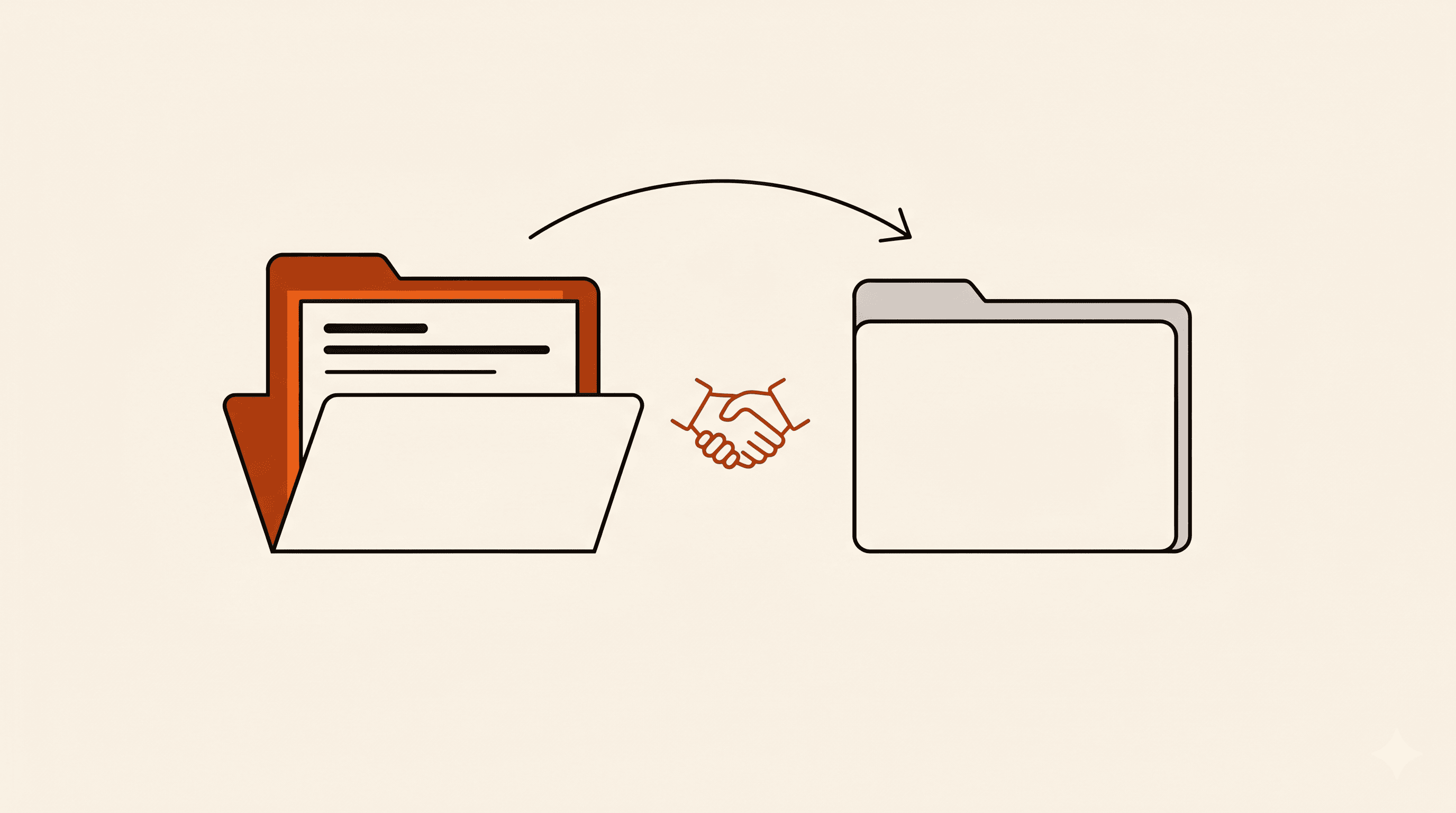
I removed Zapier from every client setup. The replacement was already on their Google account.
Most 'Zapier alternative' lists push you to another SaaS tool with similar pricing. The cheaper move for small businesses already on Google Workspace or Microsoft 365: write 20 lines of script in a tool you already pay for. Here is what that looked like across my client kits this quarter.
- Zapier's mid-tier crept past $30/mo and most kits I ship need 3 to 5 zaps. The math stopped making sense.
- Replacement: a small Google Apps Script (or Microsoft Power Automate flow) that reads a Jotform webhook and does the thing. Free, runs inside the Workspace plan the client already pays for.
- Average client savings: $20 to $50 per month, $240 to $600 per year. The deeper win is pulling automation logic out of a SaaS vendor and into a tool the client already owns.
- HIPAA bonus: Apps Script falls under your Google Workspace BAA. Zapier needs its own Enterprise plan plus a separate BAA, which most small practices cannot afford.
- I kept Zapier for one specific job: the long-tail SaaS connectors nobody else has (Calendly, HoneyBook, GoHighLevel).
I stopped using Zapier for client work this quarter. The interesting part is what replaced it.
The shift nobody is naming clearly
Most 'Zapier alternative 2026' lists in my niche push you sideways to another SaaS automation platform. n8n. Make. Pipedream. They are all good products. They are also still SaaS line items with their own pricing tiers, their own auth headaches, and their own 'why did this zap break in the middle of the night' moments.
The cheaper move I kept arriving at across client builds this year: write 20 lines of script in a tool the client already pays for. Google Workspace clients get Google Apps Script. Microsoft 365 clients get Power Automate or a small Power Automate Desktop flow. Both run inside the existing subscription. Both are HIPAA-eligible if the parent suite has a BAA. Neither charges per task or per zap.
The framing that finally clicked: Zapier is a great glue layer between SaaS tools that have no reason to talk to each other. For glue inside a single ecosystem the client already owns, it is a tax.
What I actually moved
Concrete examples from client kits, in plain language. Every one of these used to be a Zap. Each is now a Jotform webhook firing into a script that lives in the client's own Workspace account.
- Form submission lands in a Google Sheet row, formatted, with timestamps. Replaces the most common Zap I ever built, three or four times per client.
- Form submission triggers a Slack DM to the right channel based on a conditional field. Was 'Zapier filter step plus Slack step,' now a single doPost function with a switch statement.
- Booking confirmation generates a branded receipt PDF and emails it via Gmail. Was a three-step Zap pulling fields, formatting HTML, sending via the Gmail Zap. Now one Apps Script that uses the Gmail service directly.
- Patient intake submission creates an event on the provider's calendar with intake details in the event description. Was a Zapier 'Google Calendar Create Event' step, with the awkward field-mapping screen everyone hates. Now ten lines of CalendarApp.createEvent.
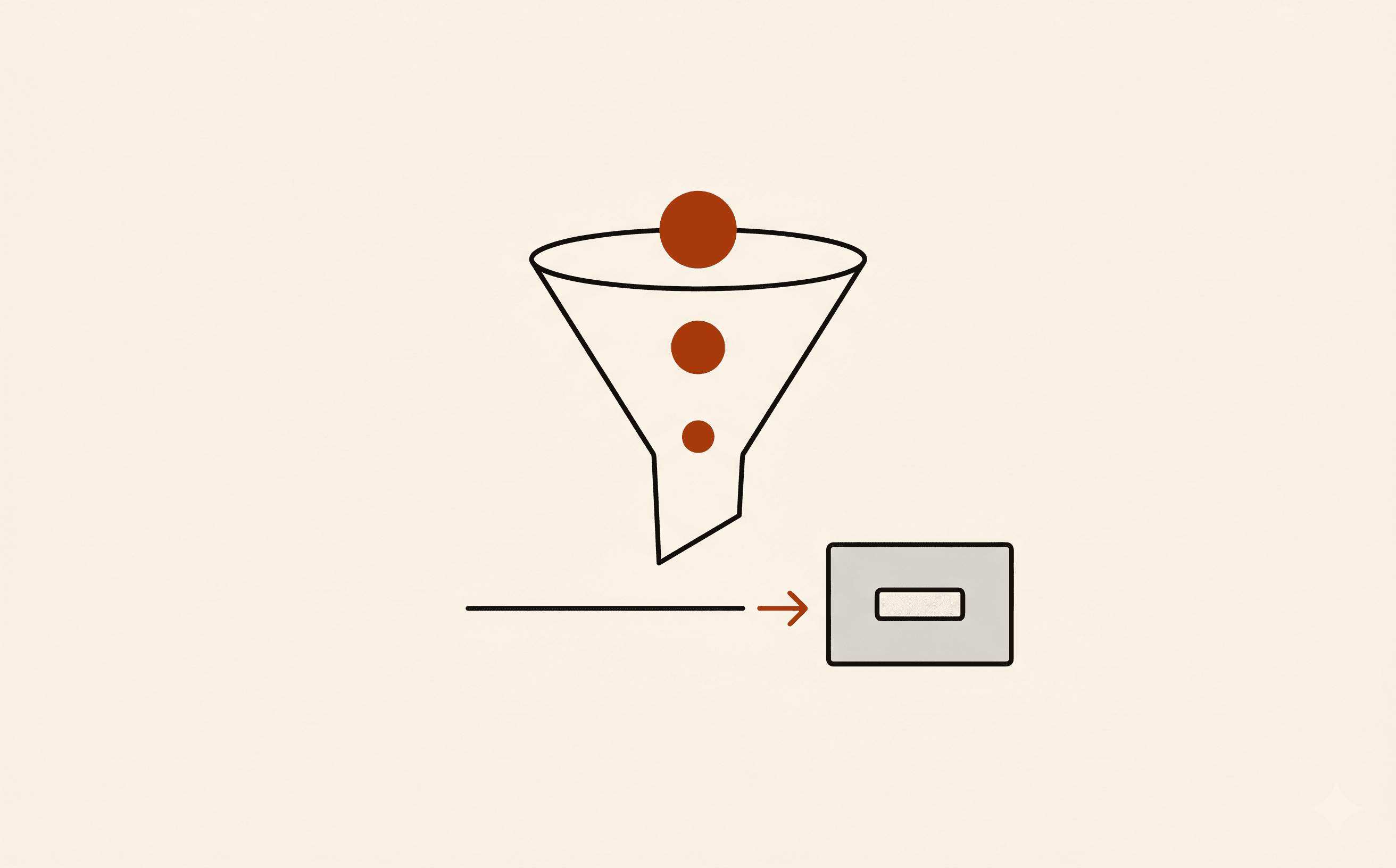
The pattern is the same for all of them. Jotform fires a webhook at the script URL. The script parses the JSON payload, runs the logic, returns 200. No external service in the middle. No per-task cost. No 'task limit reached' email the week before the launch.
What the script actually looks like
Here is the smallest version I deploy for new clients. This receives a Jotform submission, pulls four fields, appends a row to a Google Sheet, and posts a Slack notification. Twenty-three lines.
function doPost(e) {
  const payload = JSON.parse(e.parameter.rawRequest);
  const sheet = SpreadsheetApp.openById('SHEET_ID').getSheetByName('Submissions');

  sheet.appendRow([
    new Date(),
    payload.q3_fullName,
    payload.q5_email,
    payload.q7_service,
    payload.q9_amount
  ]);

  const slackUrl = PropertiesService.getScriptProperties().getProperty('SLACK_WEBHOOK');
  const message = `New booking: ${payload.q3_fullName} - ${payload.q7_service} ($${payload.q9_amount})`;

  UrlFetchApp.fetch(slackUrl, {
    method: 'post',
    contentType: 'application/json',
    payload: JSON.stringify({ text: message })
  });

  return ContentService.createTextOutput('ok');
}
Deployed as a web app from the Apps Script editor. The deployment URL goes into the Jotform form's webhook integration. That is the whole setup. No Zapier account, no per-zap cost, no third party between the form and the action.
The math, with real client numbers
I averaged this across the last twelve clients I shipped a kit to. The shape repeats.
- Zapier Professional plan: roughly $30 per month at the entry tier this quarter. That covers 750 tasks per month.
- Average kit uses 3 to 5 Zaps. Each Zap fires once per form submission. A small client at 100 submissions per month burns 300 to 500 tasks. A growing client at 500 submissions per month is already past the entry tier.
- Apps Script under Google Workspace Business Standard: included in the $14 per user per month plan the client almost always has already.
- Power Automate under Microsoft 365 Business Standard: per-user included plan covers most form-to-action flows; premium connectors cost extra, but native services (SharePoint, Outlook, Teams) are free.
The annualized number per client is $240 to $600 in saved subscription. That is real money for a small practice or a salon. More importantly: the automation logic stops sitting in a SaaS vendor's account that the client does not own. If the client ever fires me, they keep the script.
What I kept Zapier for
I did not delete the account. Three jobs still go through Zapier because the alternatives are worse:
- Long-tail SaaS connectors nobody else has cleanly. Calendly, HoneyBook, GoHighLevel, Dubsado. Their APIs exist but are uneven; Zapier's connectors are reliable.
- Flows that need conditional branching across three or four tools where each branch fans out. Apps Script can do this but the script becomes a small program nobody wants to maintain. Zapier's visual canvas is the right tool for that job.
- Clients who specifically want a no-code automation layer they can edit themselves. A script the client cannot read is a script they will be afraid to touch. Zapier's UI lowers that fear.
The shape: when the integration is single-direction and lives inside one ecosystem, script it. When it is a multi-vendor visual flow that a non-developer needs to own, keep Zapier.
For HIPAA practices specifically
This is the unlock most small healthcare practices do not realize they have. Google Workspace and Microsoft 365 both offer a BAA at the business tier (not the personal one). Apps Script and Power Automate run inside those subscriptions. If the parent suite is BAA-covered, the script is BAA-covered. PHI flowing through your Apps Script function is no different than PHI flowing through a Google Sheet you already use.
Zapier's BAA is gated behind Enterprise pricing, which usually starts in the high-three-figures-per-month range. For a two-provider practice that is a non-starter. The Apps Script path gives them a HIPAA-eligible integration layer at no extra cost beyond the Workspace plan they already pay for.
The 30-minute migration
If you have a kit running on three or four Zaps and an itch to try this, here is the smallest version of the move:
- Pick the simplest Zap in the kit. Usually the 'form submission to Google Sheet row' one. That is the easiest first script.
- Open script.google.com in the client's Workspace account. New project. Paste the doPost template above.
- Deploy as a web app. Set 'execute as me' and 'who has access: anyone.' Copy the deployment URL.
- In Jotform, open the form, go to Settings, Integrations, Webhooks. Paste the URL.
- Submit a test form. Watch the Sheet row appear. Watch the Slack message hit the channel.
- Turn off the Zap that used to do this. Wait a day to confirm nothing depends on it. Repeat for the next Zap.
Most kits take a single afternoon to migrate fully. The first script is the slowest. The next ones are copy-paste plus three field name changes.
Bottom line
Zapier is a great product. It is also a SaaS line item I no longer need for 90% of my client work. Most small businesses are already paying for a tool that can replace the integration layer they currently rent. The advantage is not in the no-code platform. It is in the twenty lines of script in a place the client already controls.