Jotform Boards: What It Is and When to Use It
Jotform Boards turns submissions into a kanban board without leaving Jotform. For a solo operator or a small team that just needs to move items across stages, it's enough. Here's where it fits and where you've outgrown it.
- Jotform Boards is a native kanban view: submissions (and manual cards) become cards you drag across columns, inside Jotform, with no second tool to manage.
- It fits a solo operator or small team that wants a simple queue, where the data already lives in Jotform.
- It is not a project management platform. There are no real automations, typed fields, or routing rules the way a dedicated tool has.
- Once you need automation, structured fields, or cards split across multiple boards, push submissions to Trello, monday.com, or Asana via the integrations instead.
Jotform Boards is Jotform's answer to a recurring request: people collect submissions and then immediately want to move them through stages. New, in progress, done. For years the answer was to push that data into Trello or monday and manage it there. Boards keeps it inside Jotform: your submissions become cards on a kanban board, and you drag them across columns as you work them. My time on Jotform's product team overlapped with the Boards launch. This is the kind of feature that closes a real gap for small operators while quietly not being a project management platform. Here is where it fits and where it runs out of room.
What Jotform Boards actually is
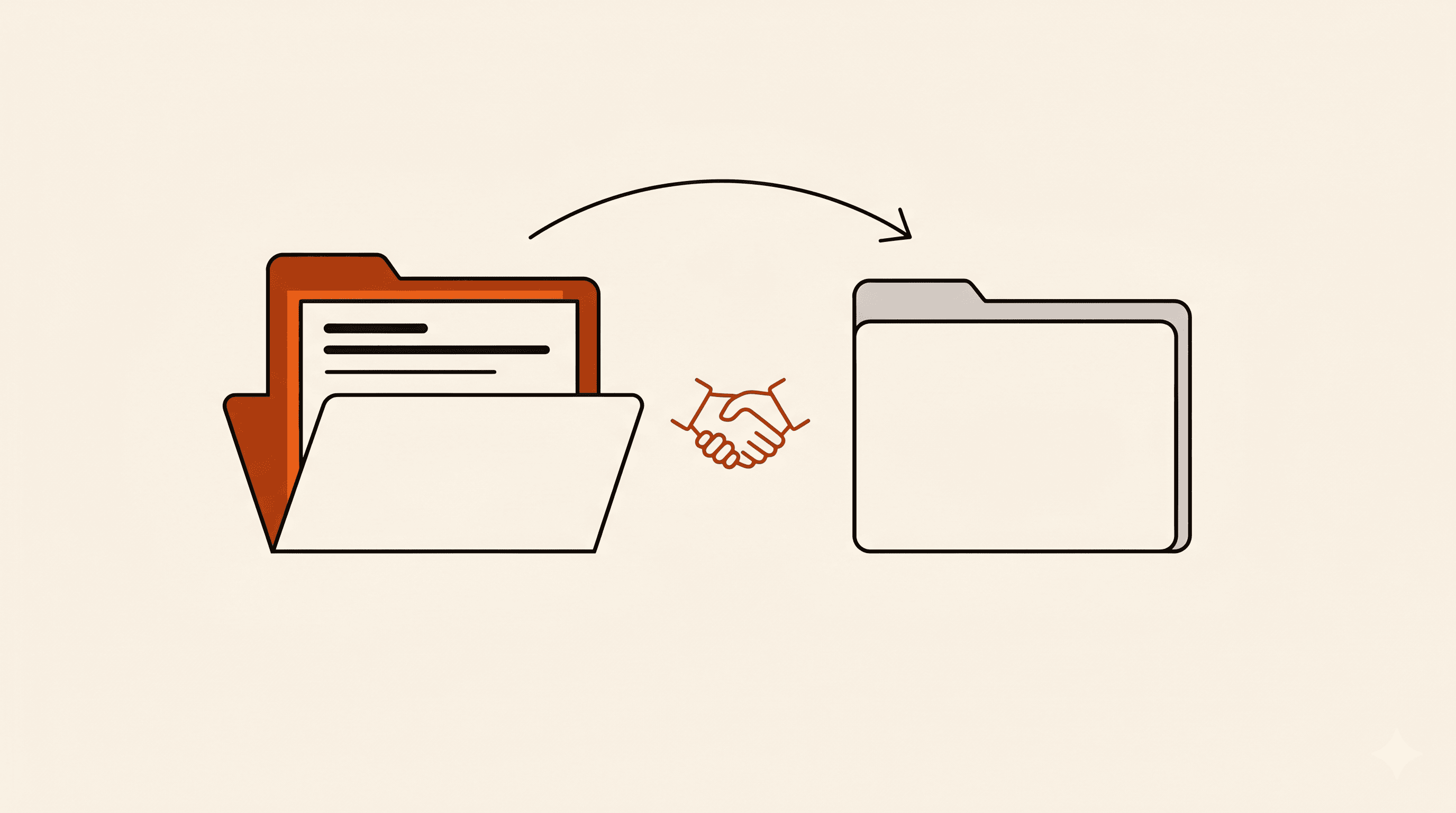
At its core, Boards is a kanban view layered over your data. You create a board, define columns for your stages, and cards represent items: a form submission, or a card you add by hand. You move cards across columns, leave notes, and keep a single place where the state of each item lives. Because it sits inside Jotform, the submission data and the board are in the same product, so there is no syncing or second login.
That last point is the whole appeal. For someone running a small operation entirely on Jotform, adding Trello or monday means another tool, another subscription, and a sync to maintain. Boards removes that. If your work is 'a form comes in, I move it through a few stages, I'm done,' it can be all you need.
When Boards is the right call
- You're a solo operator or a small team and the data already lives in Jotform. A second tool would be overhead you don't need.
- Your process is a simple linear flow: a handful of stages, items moving left to right, no branching logic.
- You want everyone looking at the same queue without managing permissions across two products.
- You're triaging requests, leads, or applications and just need to see what's where, not run automations on them.
Where you've outgrown it
Boards is deliberately simple, and that simplicity is also its ceiling. It is not trying to be monday.com. The moment your process needs real structure or automation, you'll feel the walls.
- You need automations: auto-assign an owner, notify someone when a card moves, set due dates from a field. That's where a dedicated tool's automation engine earns its keep.
- You need typed, filterable fields and linked records the way Airtable or monday provide. Boards is cards and columns, not a database.
- You need to route different submission types onto different boards automatically. Boards doesn't branch by answer.
- Your team already lives in Trello, monday, or Asana for the rest of their work and wants everything in one place.
Boards vs pushing submissions to a real PM tool
The honest framing: Boards and the project-management integrations solve the same problem at different scales. Use Boards when the work starts and ends in Jotform and you want zero extra tooling. Use an integration when the board is part of a bigger workflow that needs automation, structure, or to sit alongside the rest of your team's work.
If you decide to graduate, it's a clean move. The Jotform integrations create a card or task in your destination on every submission, so you point the form at Trello, monday, or Asana and your intake flows straight into the tool you've outgrown Boards for. You don't lose the kanban habit; you just run it somewhere with more room.
Most small teams don't need a project management platform. They need a place to see what's in the queue and move it along. Boards covers that without adding to your stack. When the process grows past 'move a card across a few columns,' that's your signal to push the data into a tool built for the bigger job.