Loading…
Automation · Integration Guide5.0/5.0 on Upwork · Top Rated
Jotform Webhooks integration
Jotform webhooks, set up so every submission reaches your endpoint, gets verified, and retries cleanly when your server hiccups.
Buri IlterEx-Jotform engineering lead · LinkedIn
A webhook is the most direct way to get a Jotform submission into your own code: the moment someone submits, Jotform POSTs the data to a URL you control. No polling, no middleman, no per-task billing. If you have a developer or a server endpoint, this is the integration that gives you the most control over what happens next.
It's also the one that fails most quietly. A webhook that returns the wrong status code, times out, or sits behind an auth wall will drop submissions without anyone noticing until a customer asks where their order went. There's no inbox alert by default. This page covers the payload format, how retries actually behave, how to verify a request really came from Jotform, and the failure modes I had to debug over and over.
Five years on Jotform's product team taught me one thing about webhooks: power users reached for them first and then filed the most confused support tickets about them. Here's what I learned about wiring them so they hold up.
How it works
How a Jotform webhook actually fires.
- 01
You register a URL on the form
Under Settings > Integrations > Webhooks (or the form's API webhook list), you paste an HTTPS endpoint. Jotform stores it per form. You can attach more than one URL to a single form, and each fires independently on every submission.
- 02
Jotform POSTs the submission as form-encoded data
On submit, Jotform sends an HTTP POST with content-type multipart/form-data, not JSON. The fields arrive as rawRequest (a JSON string of the answers), plus formID, submissionID, and metadata. You parse rawRequest on your end. File uploads come through as URLs pointing back to Jotform's servers, not as binary attachments.
- 03
Your endpoint must answer fast with a 2xx
Jotform expects a 200-range response within its timeout window. If your handler does slow work inline (writing to a slow database, calling another API), you risk timing out. The fix is to acknowledge immediately with a 200, then process the payload in a background job or queue.
- 04
Non-2xx responses trigger a retry, then a drop
If your endpoint returns an error or times out, Jotform retries a limited number of times, then gives up. There is no dead-letter queue you can browse later and no email when it permanently fails. A submission lost to a bad deploy is gone from the webhook path unless you also have email notifications or a Sheets integration as a backstop.
Common workflows
What Jotform plus Webhooks is actually good at.
- 01
Push leads straight into a custom CRM
Sales or contact form POSTs to an internal endpoint that creates a lead record, deduplicates by email, and assigns an owner. This is the use case Zapier handles clumsily and a webhook handles cleanly, because you control the dedup and routing logic instead of paying per task for it.
- 02
Trigger an internal workflow or notification
An order or request form hits your backend, which kicks off fulfillment, posts to your own Slack via a bot, and updates a status board. One hop, no third-party automation tool in the middle taking a cut of every run.
- 03
Sync to a system Jotform has no native integration for
Plenty of internal tools, ERPs, and niche SaaS have no Jotform connector. A webhook plus a thin adapter on your server bridges the gap. You map the rawRequest fields to whatever shape the target API wants.
- 04
Real-time replacement for the Google Sheets delay
When the 1-5 minute Sheets polling lag is too slow, a webhook writes to Sheets (or a database) via API the instant the form is submitted. Teams running live dashboards move to this once the lag bites.
What breaks
Edge cases that bite in production.
Risk 01
rawRequest is a JSON string, not parsed fields
The most common first-day confusion: the answers come nested inside a rawRequest field as an escaped JSON string, keyed by question ID (q3_name, q5_email), not by your friendly field labels. You have to JSON-parse rawRequest and map question IDs to meaning. If you rename or reorder fields in the form builder, those qN_ IDs can shift. Pin your parser to the IDs and re-check after any form edit.
Risk 02
Silent failures with no alert
If your endpoint is down during a deploy, returns a 500, or a firewall blocks Jotform's IPs, submissions vanish from the webhook path after the retries exhaust. Jotform won't email you. Always keep a backstop, email notification or a Sheets integration, so you can reconcile what the webhook missed.
Risk 03
Files are URLs that can expire or lock
Upload fields arrive as links to Jotform-hosted files, not the bytes. If the submission is later deleted, or the form's privacy settings change, those URLs can go dead or require auth. If you need the actual file, download it from your handler immediately and store your own copy.
Risk 04
No built-in signature, so verify another way
Jotform's webhook POST does not carry an HMAC signature you can validate out of the box, so anyone who learns your URL could POST fake data. Protect the endpoint with a secret path token, an allowlist, or by validating the submission against Jotform's API using the submissionID before you trust it.
Hit one of these edge cases?
I ran into them for five years on the Jotform product team. Book a free call and I'll tell you exactly how to handle your Webhooks setup, or send me the details first.
Book a free callOr send me the details·No form needed: just email hi@workflowautomationkits.com your form URL
When not to use
When Jotform plus Webhooks isn't the right call.
Skip a raw webhook if you don't have a developer or a server to receive it: use Zapier or Make instead, which give you a no-code endpoint and a visible run history. Skip it if you need a browsable log of past deliveries and automatic alerting on failure, since Jotform's webhook path gives you neither. And never make a webhook your only path for anything you can't afford to lose without also enabling email notifications or a Sheets backstop to reconcile against.
Kits that use this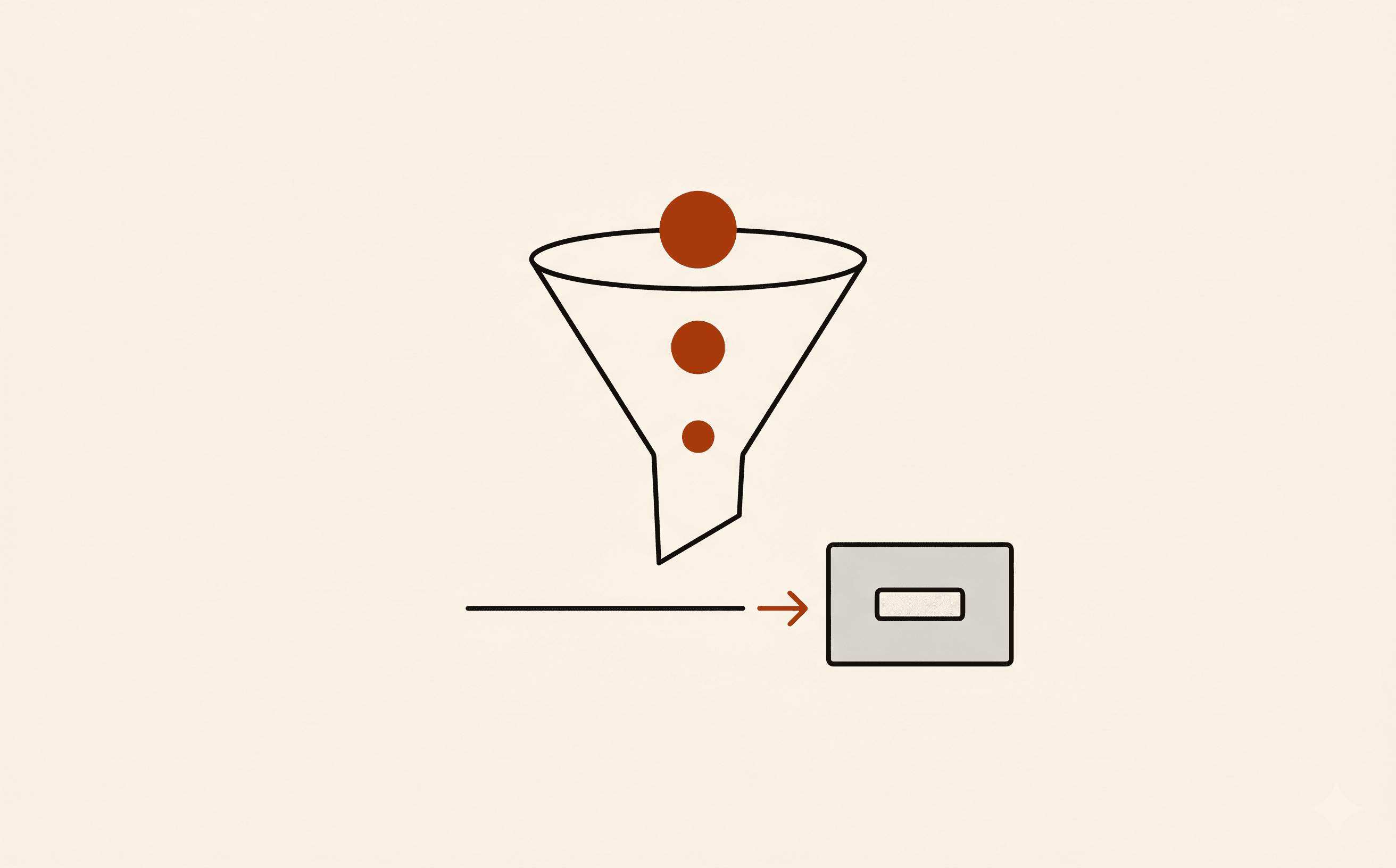 sales
sales agency
 healthcare
Automation kits built on Webhooks.
Lead Capture → CRM Kit
Lead capture with scoring, dedup, CRM sync, and Slack alerts on the ones worth interrupting for.
Client Onboarding Kit
The onboarding flow every agency wishes they had before their first client was late with assets
HIPAA Patient Intake Kit
Patient intake that moves: HIPAA-aware, insurance-ready, EHR-compatible
Frequently asked
Questions I get before setting this up.
What format does a Jotform webhook send?
An HTTP POST with multipart/form-data, not JSON. The submission answers come inside a rawRequest field as a JSON string keyed by question ID, alongside formID and submissionID. You parse rawRequest on your server to read the values.
Why is my Jotform webhook not working?
Most often: your endpoint returned a non-2xx status or timed out (Jotform needs a fast 200), it's behind auth or a firewall that blocks Jotform's request, or you're parsing the payload wrong (the data is in rawRequest as a string, not top-level form fields). Test with a request-capture URL first to see exactly what arrives, then point at your real handler.
Does Jotform retry a failed webhook?
Yes, a limited number of times if your endpoint returns an error or times out, then it stops. There's no dead-letter queue and no email when it permanently fails, so keep email notifications or a Google Sheets integration running as a backstop you can reconcile against.
Should I use a webhook or Zapier for Jotform?
Use a webhook if you have a developer and want full control with no per-task cost and real-time delivery. Use Zapier or Make if you want no-code setup, a visible run history, and built-in retries with alerting. Webhooks are cheaper and faster; Zapier is more forgiving when no one is watching the logs.
Want this wired up without the reading?
Free 20-minute call. I'll tell you which workflow fits your Webhooks setup and what it would take to build, or you can send me the details first.
Book a free callOr send me the details·No form needed: just email hi@workflowautomationkits.com your form URL